
Sort out similar photos on Android, and keep your favourites
Ten shots of the same laugh, three tries at a group photo, a whole series of sunset shots: Curalbum shows similar photos side by side. You can find the pictures that capture the moment best for you, and sort out the rest without rushing.
Nothing is uploaded · No account · No tracking
With similar photos, the small differences matter
Duplicate photos are the exact same picture more than once. Similar photos capture one moment with small differences: someone laughs in one, closes their eyes in another, and the whole group looks at the camera in the next. Curalbum finds these series and keeps them separate from true copies. Many pre-installed gallery apps focus mainly on duplicates.
A look inside the app
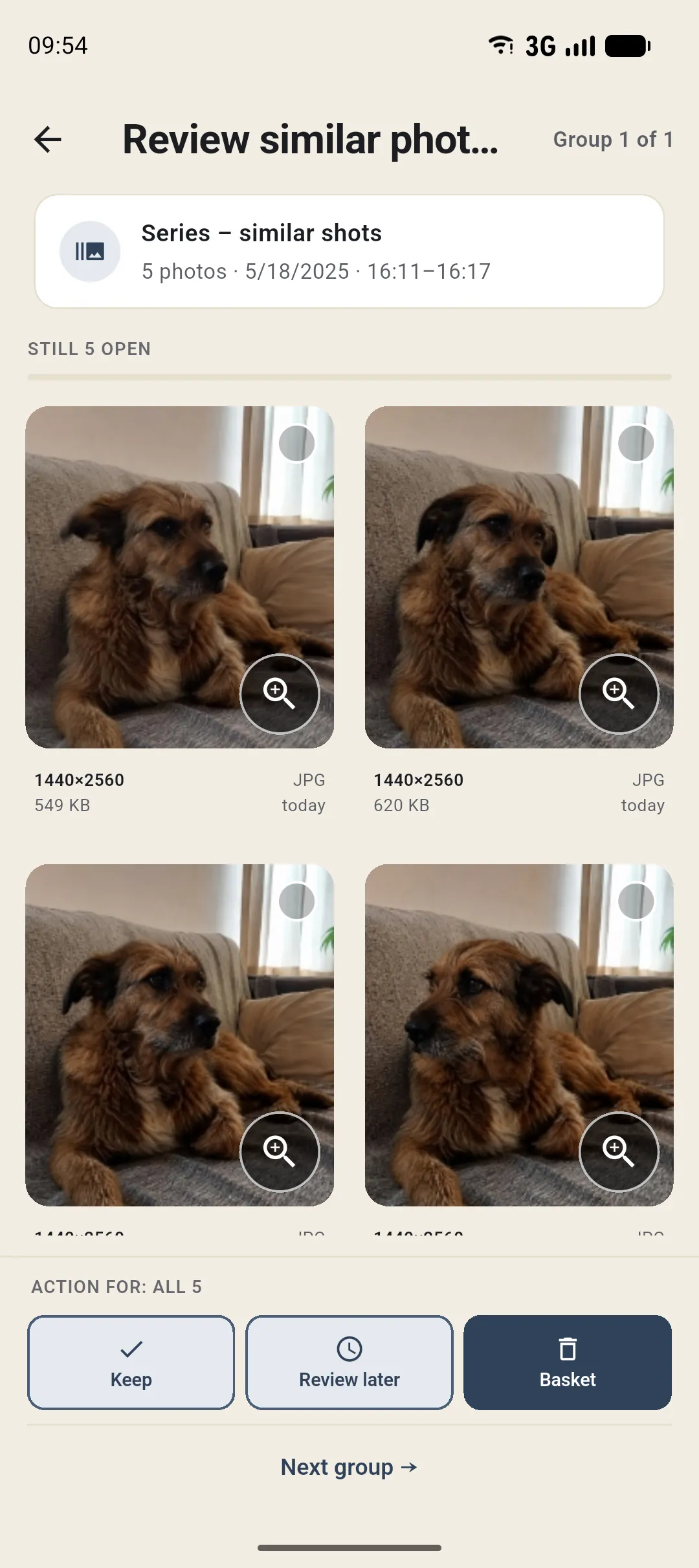
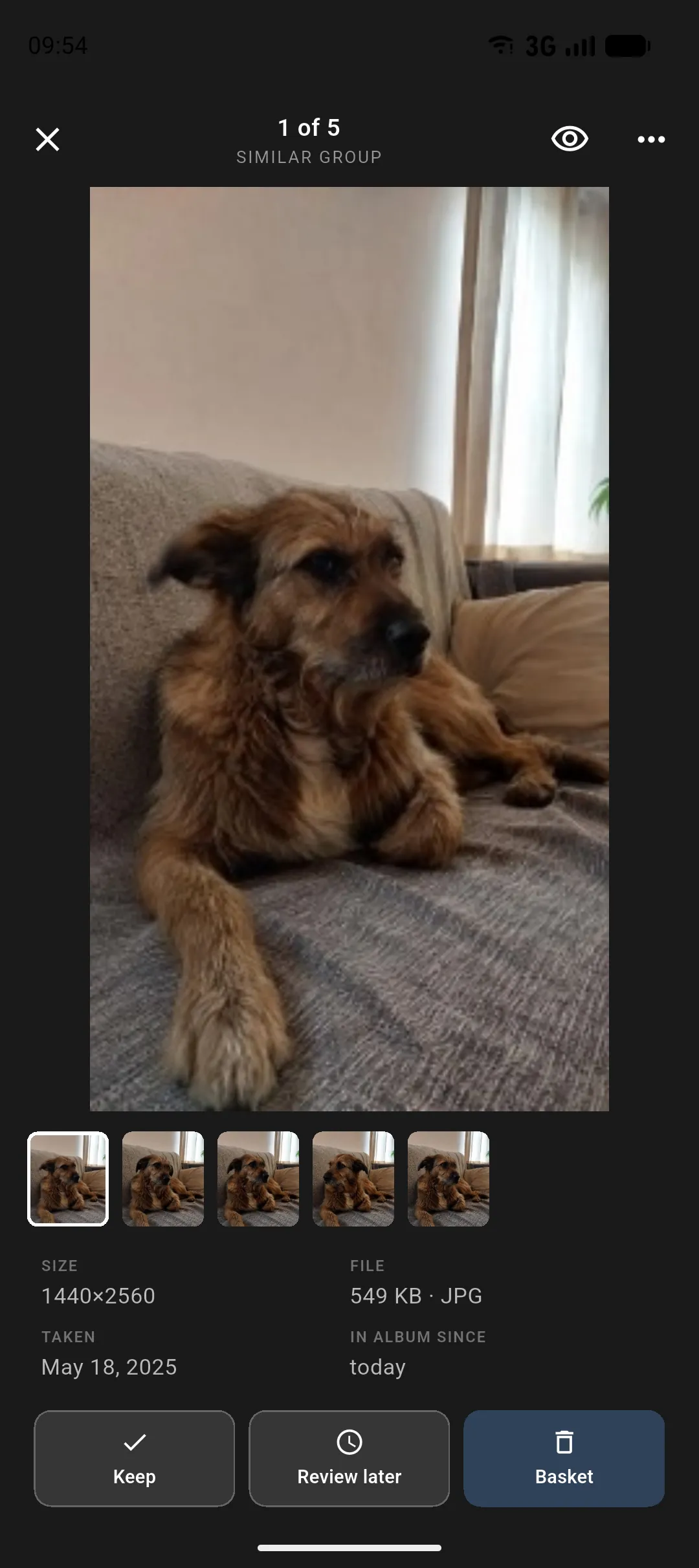
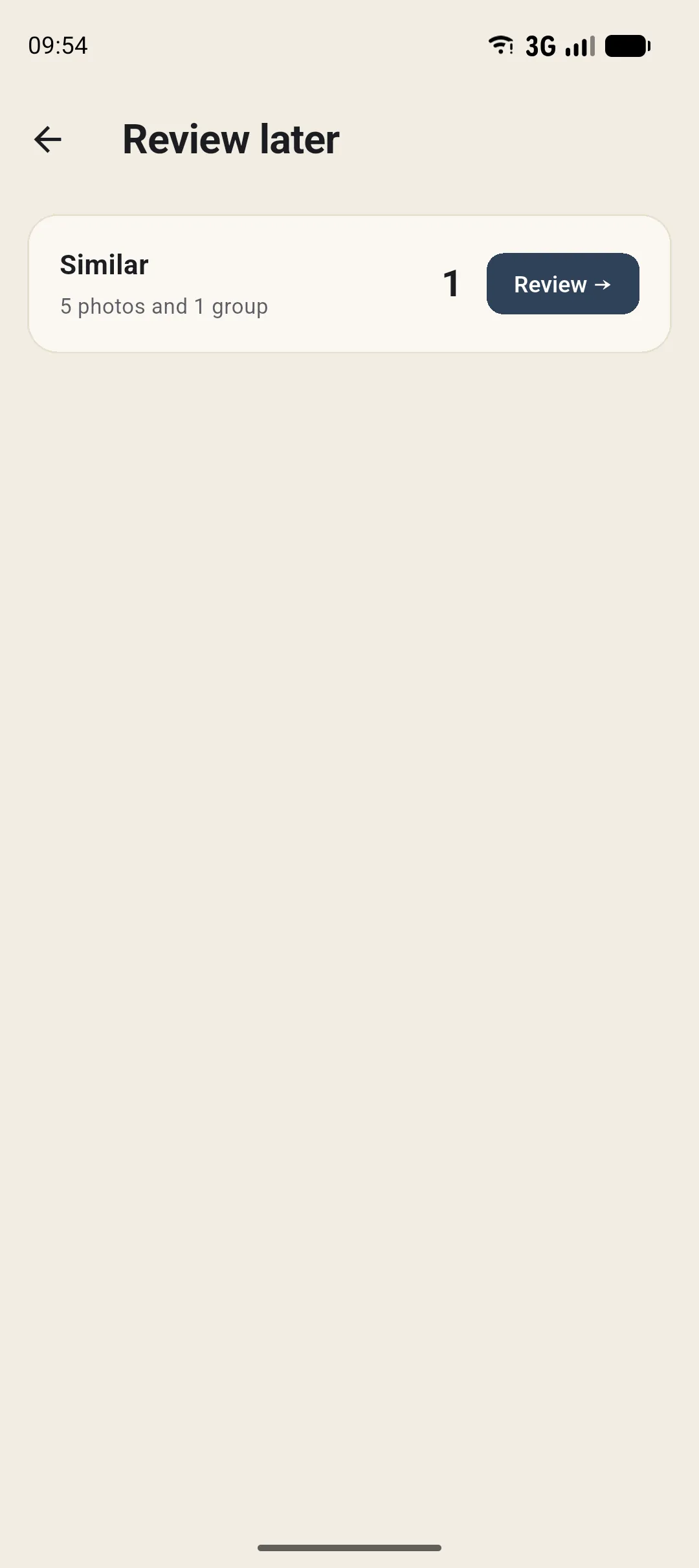
See the whole series and find your favourites
Curalbum shows the whole photo series side by side. Small differences stand out immediately, and you can keep the shots that feel right to you. The app does not choose for you. Only after you confirm do the other photos move to the trash. For about 30 days, you can restore them using the Photos app on your device.
Common questions about similar photos
How are duplicate and similar photos different?
Duplicate photos are the exact same picture more than once. Similar photos show small differences within a series, such as a laugh or a blink. Curalbum finds both and keeps them separate.
Does Curalbum choose the best photos automatically?
No. Curalbum shows every shot in a series side by side. Only you decide which pictures capture the moment best for you and which ones should stay.
Can I restore series shots I sort out?
Yes. They usually stay in your phone's trash for about 30 days. You can restore them only through the Photos app on your device, not in Curalbum. Curalbum itself never deletes them permanently.
Delete duplicate photos · Photo app without cloud or subscription · All questions · Get notified at launch